
Buy Discord Members
Members for your public Discord server. You only give us a never-expiring invite link, never a password.
Choose your package
- Secure payment
- Starts after payment
- No password
Three steps, no login
Choose the quantity and options. The price is fixed before you pay.
Your public profile or post link. We never ask for a password or login code.
Delivery starts after payment. Progress shows in your order page and by email.
Buy Discord members for your server
Members raise the member count of a Discord server you run. The order needs one thing from you, an invite link to the server: no password, no token, no role in the server. Once paid, it is passed to a delivery service picked for it within minutes, and your order page tracks how many have joined.
The questions here are the ones people ask before a first members order. Each is answered in its own section further down.
Which invite link do I paste?
A never-expiring one. When you create the invite, open its settings before copying: set Expire after to Never and Max number of uses to No limit. The default invite lasts seven days, and an invite with a use cap closes once it is reached, so either can cut an order off halfway.
Paste the whole link, discord.gg/ followed by the code. Leave that invite alone until the order completes: revoking it stops new joins at once.
- Link
- discord.gg/ and your invite code
- Expire after
- Never
- Max number of uses
- No limit
- Package sizes
- 50 to 5,000 members
Does the server have to be public?
It has to let anyone holding the invite in. A server that holds newcomers for approval, or makes them apply before they can join, leaves the order waiting at the door.
It does not have to be listed in Server Discovery. The invite is the way in, so a server known only to its own community works the same as a listed one.
How fast do members join?
The order is placed within minutes of payment, and joins begin once the service that took it starts work. They come in at that service's pace, so a large package spreads over hours or days instead of landing in one go.
A steady rise also looks more like a server that people are finding. If the count stops moving for a long stretch, open a ticket from your order page.
What do members change in my server?
The order adds to one number. Here is what that number does and does not bring with it.
A longer member list
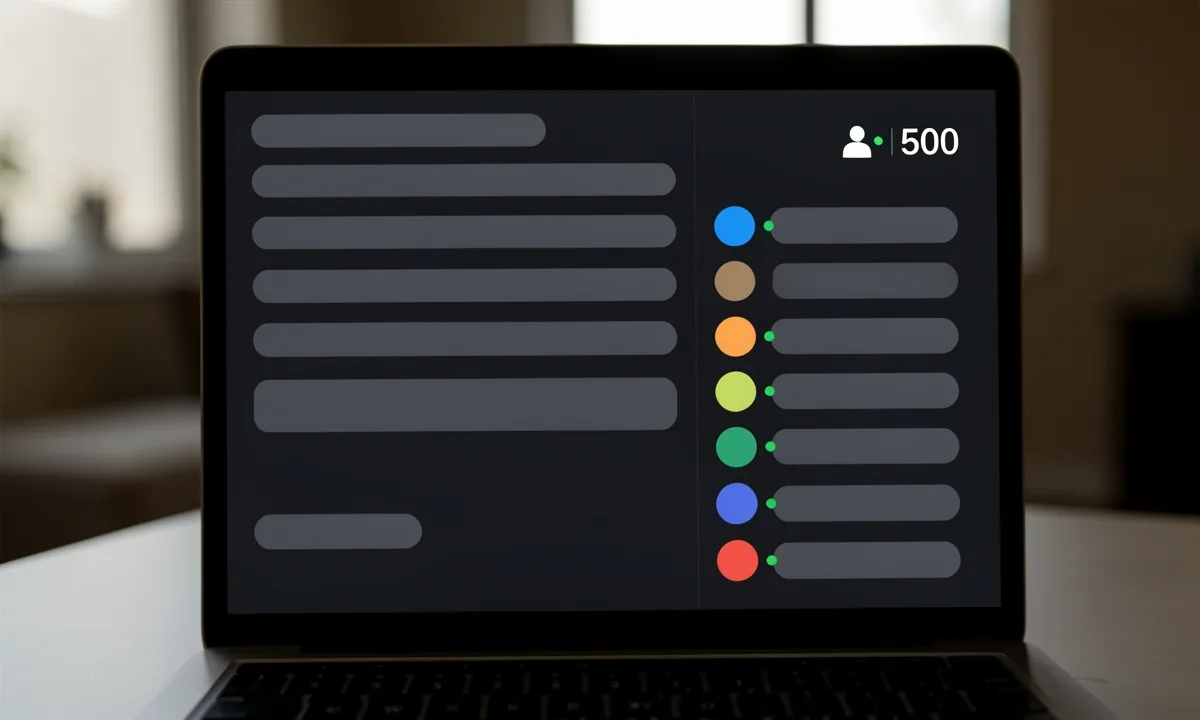
Each member is an account that came in through your invite, so it appears in the member list and in the count shown on your invite.
The count is what you are buying. Members do not post, answer questions or turn up to events.
No access needed
Nobody asks for your password, your token or a role in the server. The invite is the whole order.
Your rules still apply
Members join like anyone else, so your welcome channel and your roles treat them the same way.
Country and gender
Pick the USA, the UK, Brazil or India, or female or male, for 30% more once. If no service matches exactly, the nearest one takes the order.
Counts can fall
Accounts can leave later or be disabled by Discord. How that is handled depends on the level, in the next section.
What happens if members leave later?
That depends on the level you order. Both bring members into the same server through the same invite; they differ in which services take the order and in what happens when the count drops.
Same link, same checkout
The level only changes which services the order goes to. You can order Standard first and switch to Premium on the next order.
| Standard | Premium | |
|---|---|---|
| Price | The package price | About a third more |
| Which services fill it | The best-priced service with a good completion record | Services with a refill window and higher-quality accounts first |
| If counts drop later | No refill promise | A refill window when the service that filled it has one |
| Good for | A first order, or testing a post | A profile or post you want to keep looking right |
FAQ
What buyers ask before a first order. Anything else: open a ticket from your order page and support replies there.
Do you need my password?
No. Paste a public link at checkout and nothing else. Nobody logs in to your account, and nothing asks for a login code.
What do Country and Gender change?
They ask for accounts from the countries you pick, such as the USA or the UK, or of one gender. Picking any of them adds 30% to the price once, however many you pick. One order goes to one delivery service, so with several countries picked it is filled from one of them; when no service matches your picks exactly, the order goes to the closest one available. If you are not happy with the result, open a ticket from your order page and support will look at it. Leave both on Worldwide and Any if the mix does not matter to you.
Can I use my vanity invite?
Yes. A vanity link such as discord.gg/yourname never expires and has no use limit, so it works as well as a custom invite.
Will the members chat in my server?
No. They make the member list longer and that is all. Activity in your channels still comes from your own community.
Can one order cover two servers?
No. One order is one invite to one server. For a second server, place a second order with its invite.